
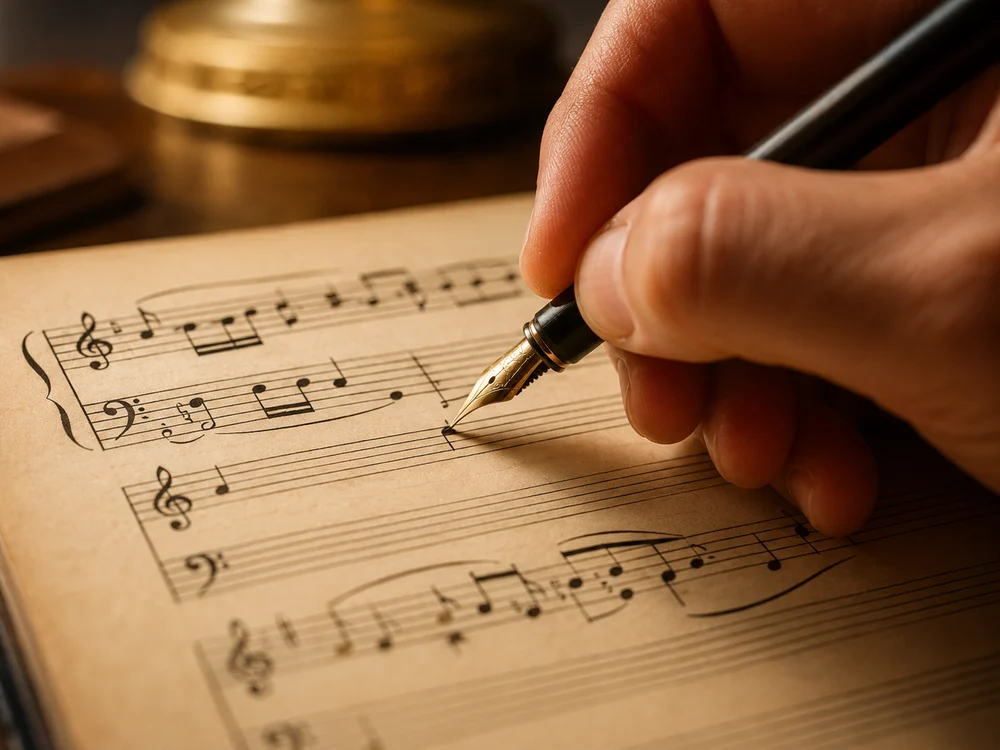
A painting hangs in silence, but the moment it appears in a process video, a portfolio reel or a gallery slideshow, sound becomes part of the experience. Choosing the right music can make your work feel more alive. Here is a practical guide for painters, illustrators, animators and photographers.
Why sound matters for visual work
Most artists today share their work on screens as much as on walls. Time lapse painting videos, studio tours, animation reels and photography slideshows are now a normal part of building an audience. In every one of these formats, music shapes how people feel about what they see.
Think of the same watercolor landscape shown with two different soundtracks. With soft piano, it feels calm and nostalgic. With a driving electronic beat, it feels energetic and modern. The painting has not changed, but the viewer’s reading of it has.
That is a creative opportunity. Music can underline the mood you were aiming for, guide the pace of a video and make your work more memorable.
Start with the feeling of the work
Before you search for any music, look at your piece and answer three questions in writing:
-
What is the mood? Peaceful, tense, playful, melancholic, dreamy, bold.
-
What is the pace? Is the eye invited to wander slowly, or does the composition feel fast and full of movement?
-
What is the texture? Smooth gradients might suggest soft pads or strings. Rough, textured brushwork might suggest acoustic instruments or tape warmth.
These answers form a music brief, the same kind of document a film director gives a composer. Even if you never hire a composer, the brief will help you choose music that truly fits.
Let the image suggest the music
Translating a visual mood into musical language is not always easy, especially if you do not know much about music. You may know a piece feels “like late afternoon light”, but what instruments does that mean?
One tool that helps with exactly this step lets you turn a picture into a music brief. You upload an image of your artwork, and NotaGen’s image to music page writes a short description of the music it suggests: genre, mood, tempo in words, instruments and what the track could be used for, along with a title. You can edit that brief, then send it with one tap into the music generator below it to render a full track that plays on the page and downloads as MP3. It needs a sign in and uses credits, and new accounts start with welcome credits.
Even if you decide not to use the generated track, reading how your image was translated into musical terms can be eye opening. It gives you vocabulary to search music libraries or to explain your vision to a musician.
A quick note: the tool reads your picture only to describe a mood. It does not identify people or artworks, and it does not edit your image.
Matching music to different formats
Different formats call for different approaches.
Process and time lapse videos. These are often long, so the music must not tire the viewer. Calm, steady instrumentals work best. Avoid songs with lyrics, which compete with any narration or captions.
Portfolio and showreels. These are short and need impact. Choose music with a clear build, and cut your images to its rhythm. Changes in the music are natural moments to change the image.
Animation. Music and motion are deeply linked. For short loops, a track that repeats smoothly is ideal. For narrative pieces, think about where the emotional peaks are and choose music that rises at the same moments.
Photography slideshows. Let each image breathe. A slower tempo gives viewers time to look. Change images on musical phrases rather than random intervals.
Exhibition spaces. If you are playing music in a gallery or open studio, keep it low and unobtrusive, and make sure it loops without abrupt endings.
Finding or making the right track
You have a few options for sourcing music:
-
Royalty free libraries. Large catalogues with clear licences. Always read the licence terms, especially for commercial use.
-
Collaborating with a musician. Local music students and composers are often keen to work with visual artists. A collaboration can lead to something truly original and to shared audiences.
-
Generating your own. An instrumental music maker lets you describe the track you want, such as “slow ambient piano with soft strings, warm and reflective”, and generates tracks with no singing. NotaGen’s version keeps every request instrumental so a genre choice cannot pull vocals in, and the result downloads as MP3. Results vary between runs, and you cannot set an exact length, so you may need to trim or loop the track in your video editor.
Whatever you choose, check the terms before you publish, and never assume any music is cleared for every platform.
Editing tips for artists new to video
If you are new to editing video with music, a few simple techniques make a big difference:
-
Cut on the beat. Most editing apps show the audio waveform. Make your cuts where the peaks are.
-
Fade in and out. A two second fade at the start and end prevents jarring transitions.
-
Leave space. If you add narration, lower the music volume under your voice.
-
Match the length. Trim the music or the video so they end together. An image that lingers after the music stops feels unfinished.
Credit and collaboration
If you work with a musician, credit them clearly in your captions and descriptions, just as you would want your artwork credited in their album art. Tag each other when you post. Shared credit builds both audiences and often leads to the next project.
A creative exercise
Try this experiment with one of your recent pieces:
-
Write your three word music brief.
-
Find or make three very different tracks: one that matches the mood, one that contrasts it and one in between.
-
Make three short videos of the same artwork, one with each track.
-
Show them to friends without explaining and ask how each makes them feel about the art.
You will learn a lot about how sound changes the way your work is read, and you might discover a new direction for your next piece.
Final thoughts
Visual art and music have always inspired each other. Painters have worked to jazz records, composers have written suites about paintings and animators have shaped whole films around a score. Giving your work a thoughtful soundtrack continues that conversation, and it helps your audience feel what you felt when you made it.
Written by the NotaGen team, who build AI music tools for creators across every medium.